Built for Philippine receipts
GCash and Maya screenshots, BPI, BDO and Metrobank statements, Meralco and PLDT bills. The scanner was built around these from the start, so it reads them properly instead of guessing.
Photograph a receipt. Paste a GCash or Maya screenshot. Drop a Meralco bill, or a whole folder of files at once. SnapSibo reads each one, sorts it, and rolls it into your team's budgets, reimbursements and exports.
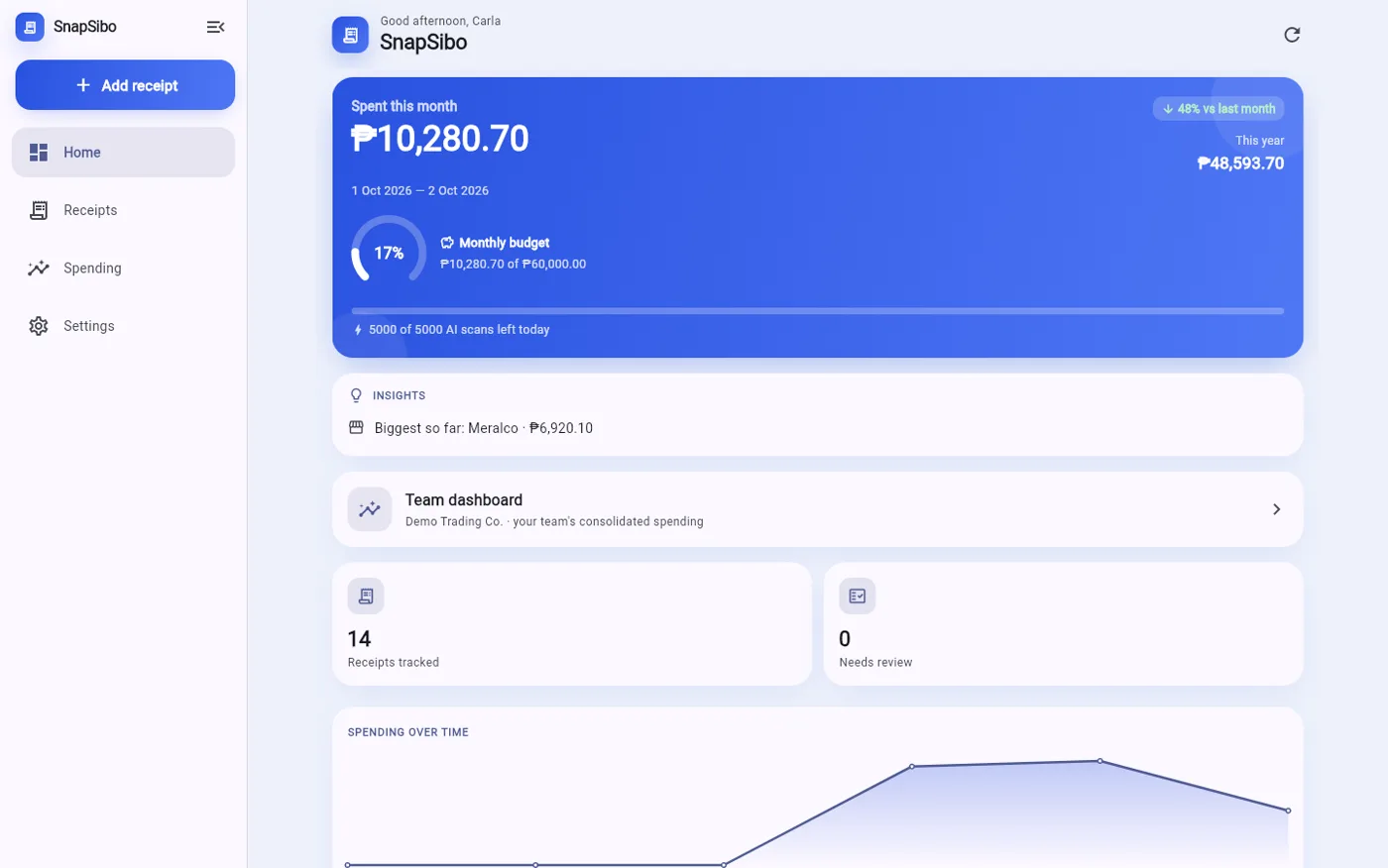
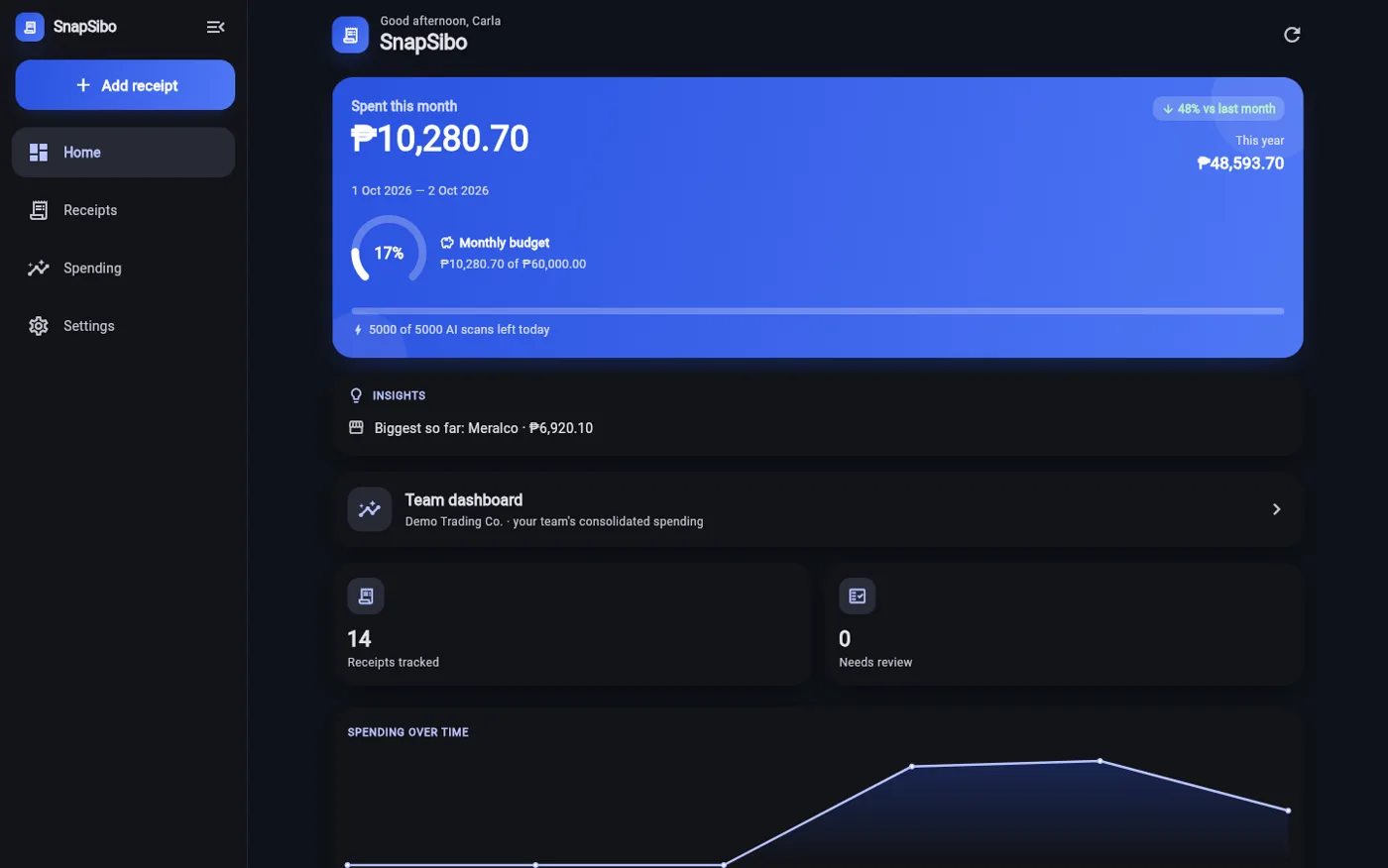
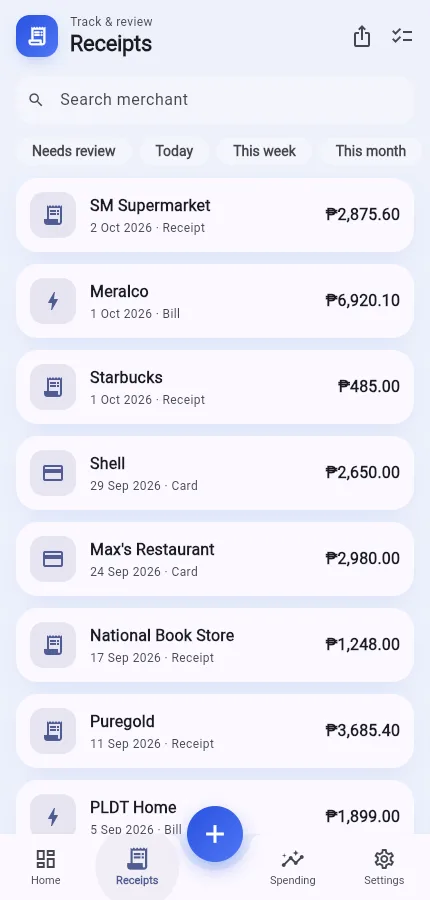
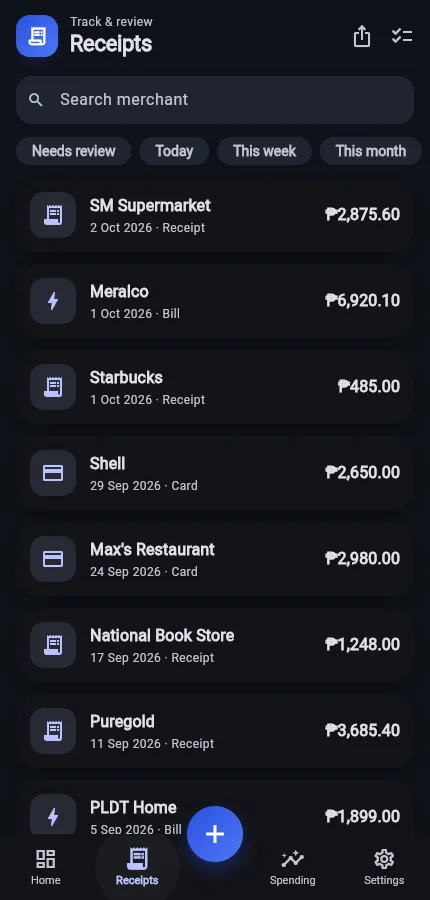
Photos, screenshots, bills and statements, one at a time or a hundred at once.
GCash and Maya screenshots, BPI, BDO and Metrobank statements, Meralco and PLDT bills. The scanner was built around these from the start, so it reads them properly instead of guessing.
Drop up to 100 files at once: phone photos, PDFs and bank CSV exports, all mixed together. SnapSibo queues them and works through the pile one by one.
Confirm "Meralco is Utilities" once, and every Meralco bill after that files itself. The more your team uses it, the less anyone sorts by hand.
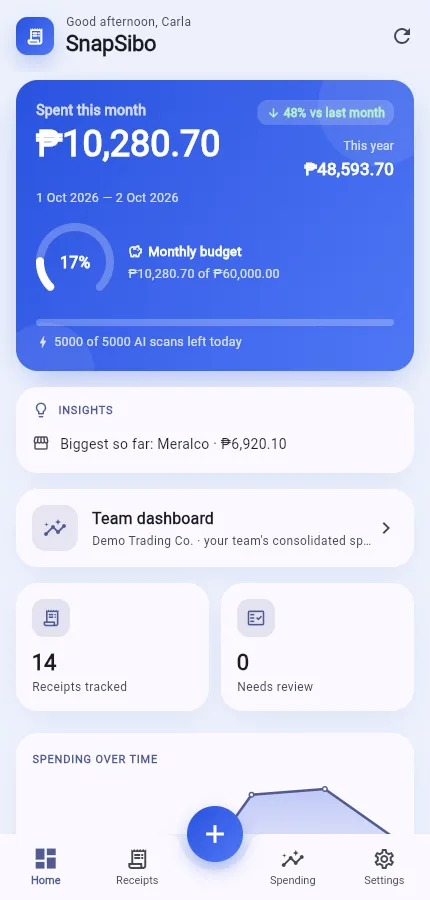
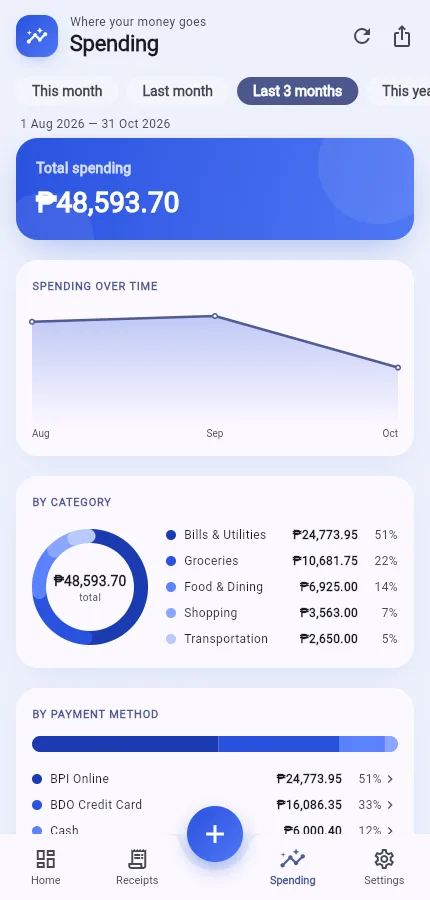
Spend by category, payment method, project or period. Recurring bills are flagged, and exports come out clean for your bookkeeper, including Xero and QuickBooks layouts.
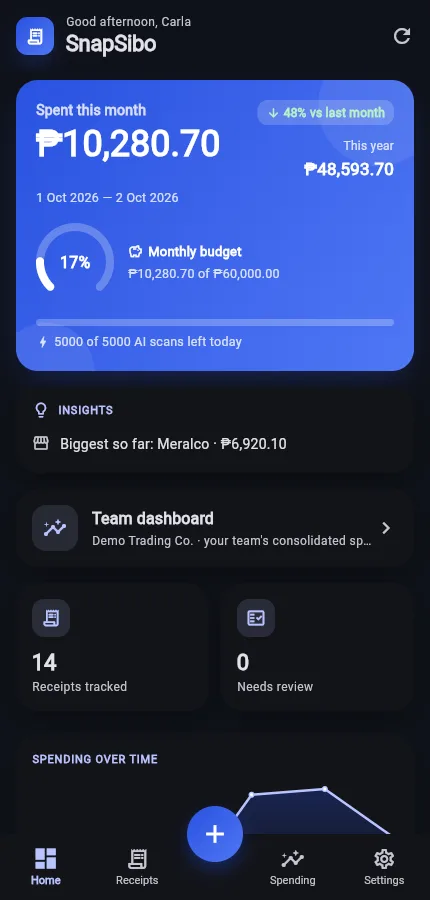
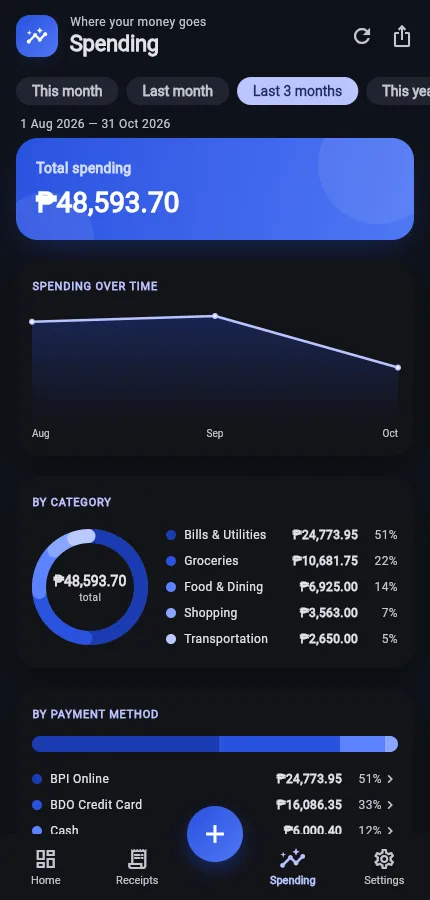
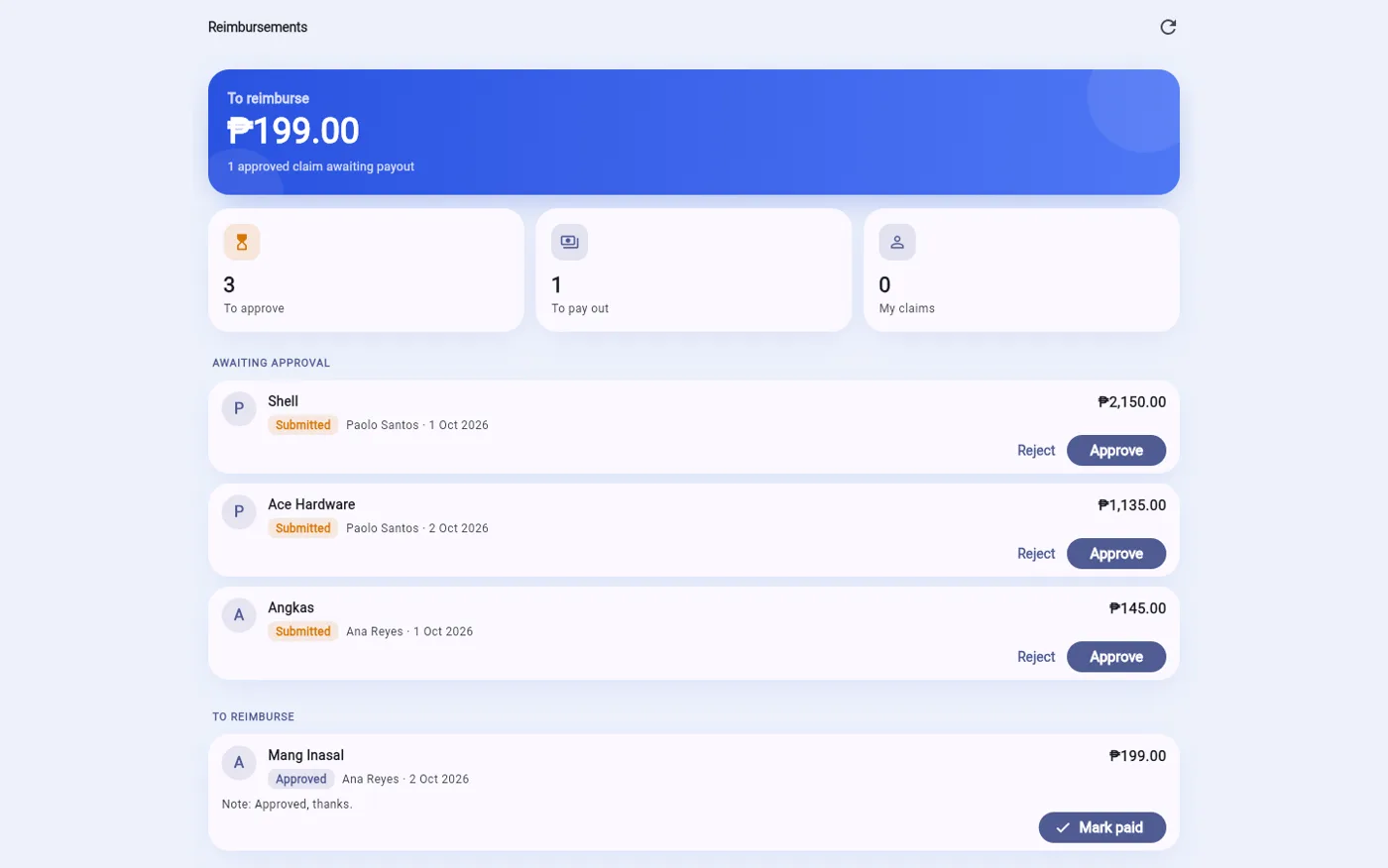
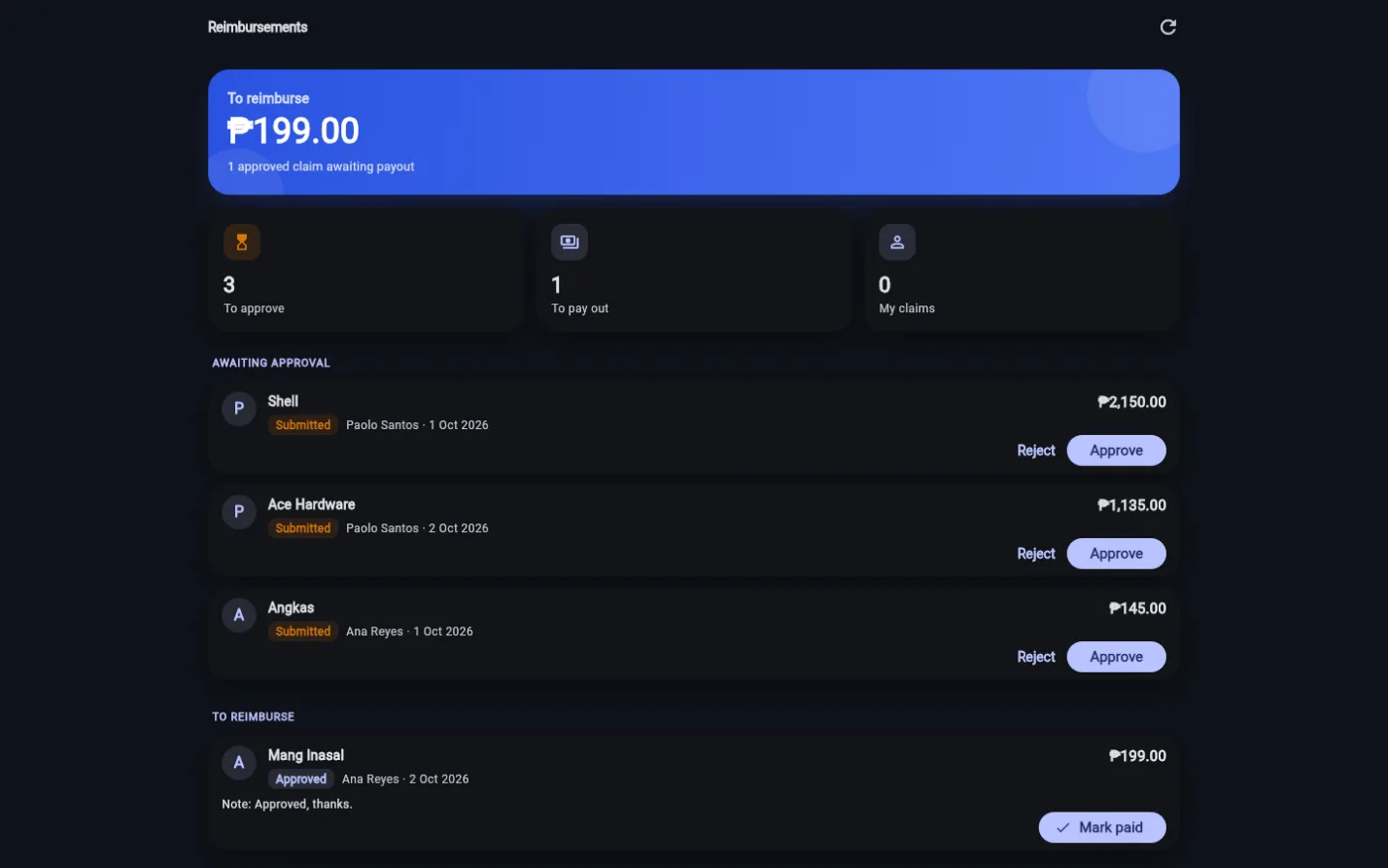
Screens from SnapSibo itself. The company, people and receipts are made up.
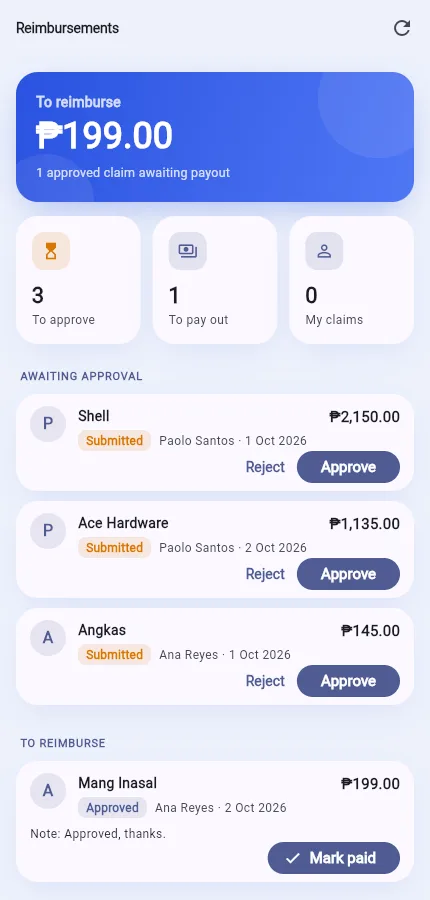
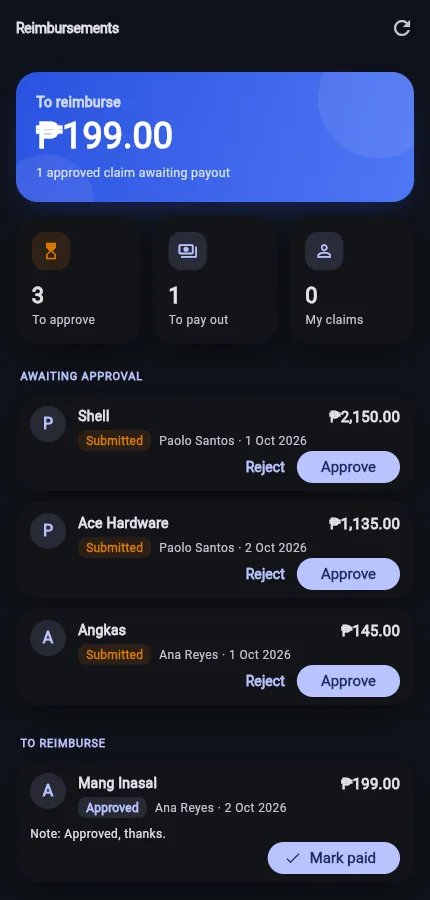

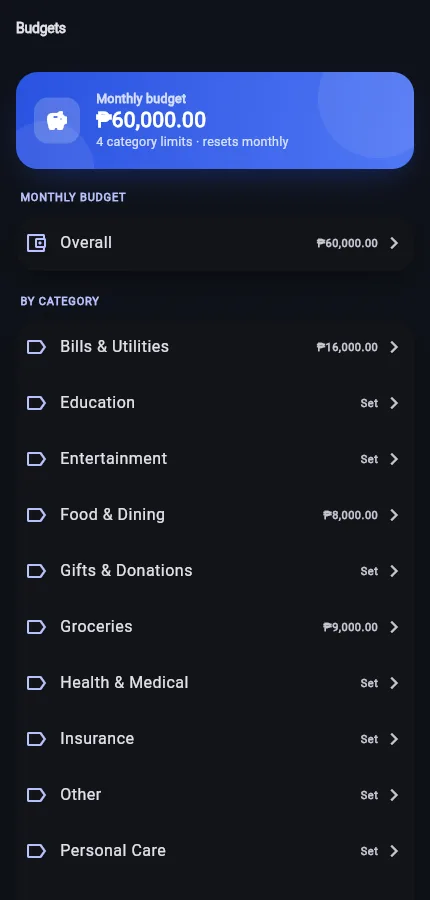
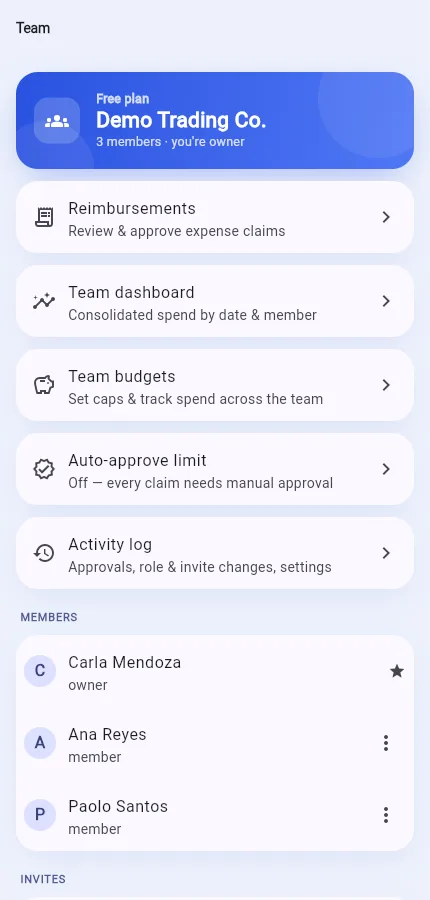
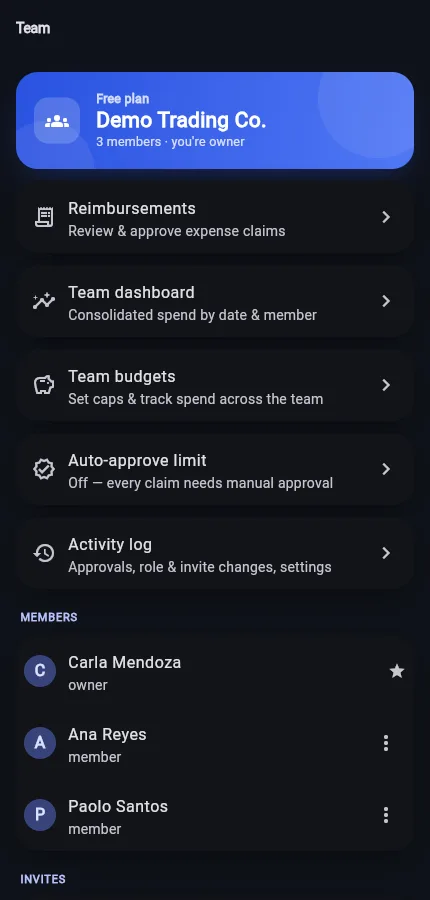
One admin, many members, and the approvals in between.
Your company admin invites members by email or join code, and everyone files into the same company under their own login. No shared passwords.
Members submit claims; admins approve, reject or mark them paid. Small claims under a limit you set can approve themselves, and everyone gets an email at each step.
Set budgets for the whole team on top of personal ones. SnapSibo warns you as spending nears the cap, so an overrun shows up early, not at month-end.
Tag a receipt to a project or cost center, then pull spend per project with its own CSV. Handy for billing a client or charging costs back internally.
We create your company and its first admin from the contract. Invite-only, so there is no open sign-up.
Day oneYour admin invites members by email or join code and sets roles, budgets and projects.
Self-serveEveryone scans from the Android or web app, one receipt at a time or a whole batch.
DailyAdmins review reimbursements and watch budgets in the team dashboard.
OngoingPull the team ledger and reimbursement register as CSV, in Xero or QuickBooks layouts.
Month-endA format not on the list still works: the AI reads layouts it hasn't seen before and remembers them for next time.
Companies pay through a contract, not per seat through an app store. Everyone gets the full feature set and unlimited scans, with quiet fair-use limits that keep costs predictable. We size the contract to your team and how much you scan.
Get a quote →SnapSibo is invite-only for companies. We set up your company and first admin account from your contract, and your admin invites the rest of the team. There is no open public sign-up to manage.
Through a company contract, sized to your team and how much you scan. There are no per-seat subscriptions or app-store charges. Everyone gets the full feature set, and fair-use limits keep the cost predictable.
One codebase serves Android and any modern browser, so staff can scan on their phone or file from a desktop. The Android app installs from a QR code on the login screen and keeps itself up to date; iPhone users can add the web app to their home screen.
Every account's data is isolated with database row-level security, sensitive admin actions are written to an audit log your company can review, and access can be suspended immediately when a contract ends.
Yes. Pull the team ledger and reimbursement register as CSV, with spend by category, payment method and project. The reimbursement register also exports in Xero and QuickBooks layouts.
The team, reimbursement, budget, project and export features are built and in use today. We take on a small number of companies at a time so we can support each rollout properly.
Tell us your team size and how you pay, and we'll set up a SnapSibo trial for your company.